This release brings two important updates: a new backup feature and changes to our architecture to meet Salesforce’s latest security standards.
Architecture Update
We’ve moved from Connected Apps to External Client Apps (ECA).
This change helps us stay aligned with Salesforce security requirements and ensures Xetfer will continue to work smoothly in future releases.
If you’d like more details, you can check the official Salesforce article: Salesforce Platform: New Connected Apps Can No Longer Be Created in Spring ’26
New Feature: Backup
Version 3.4 introduces Xetfer’s built-in backup for the first time. You can now easily create and manage backups directly in Xetfer.
What you can do:
- Full or Partial Backups: The ability to choose between Full and Partial backup types within their templates. Select a “Full” backup for full-org snapshots, or select “Partial” to curate specific objects for targeted data backup.
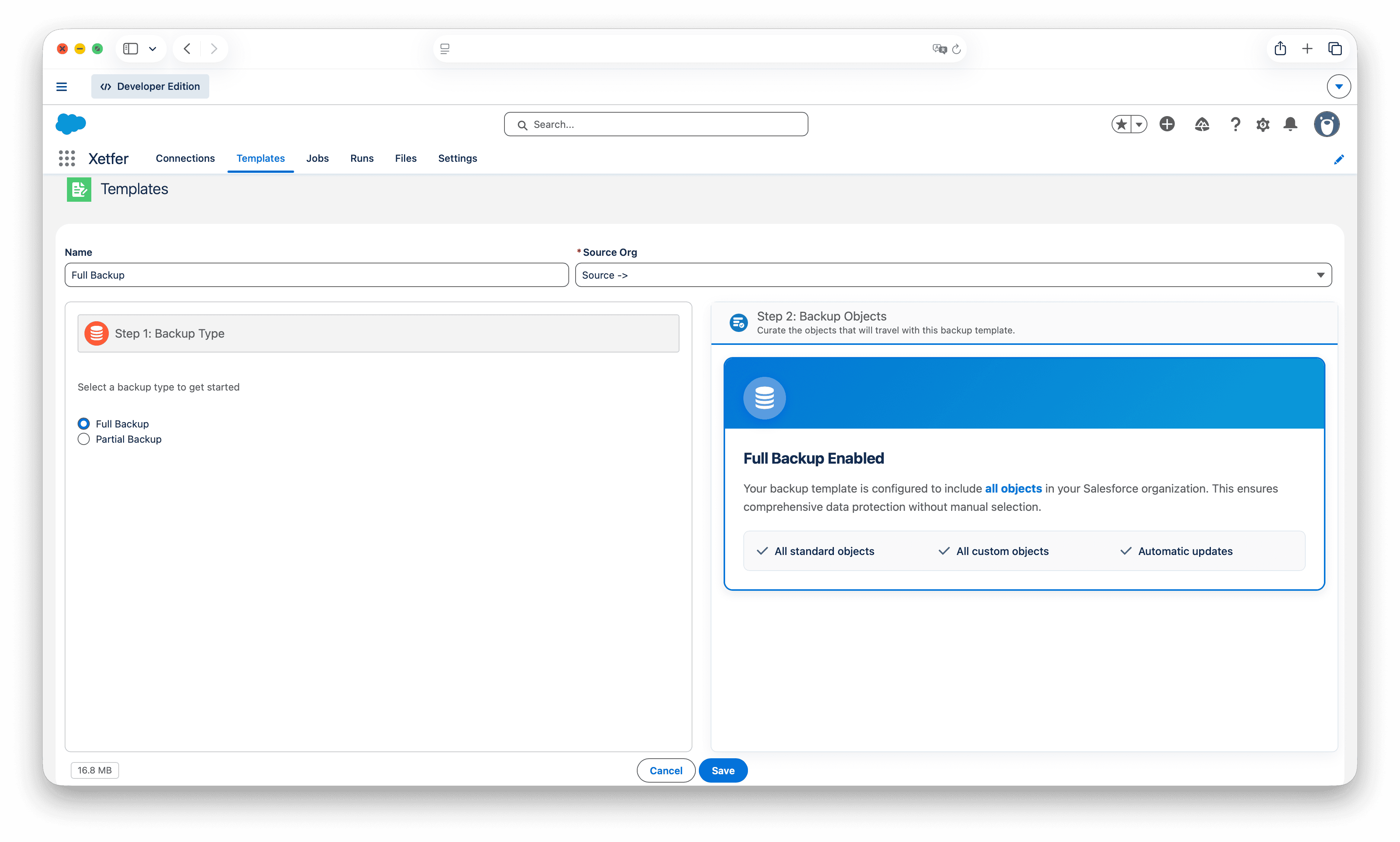
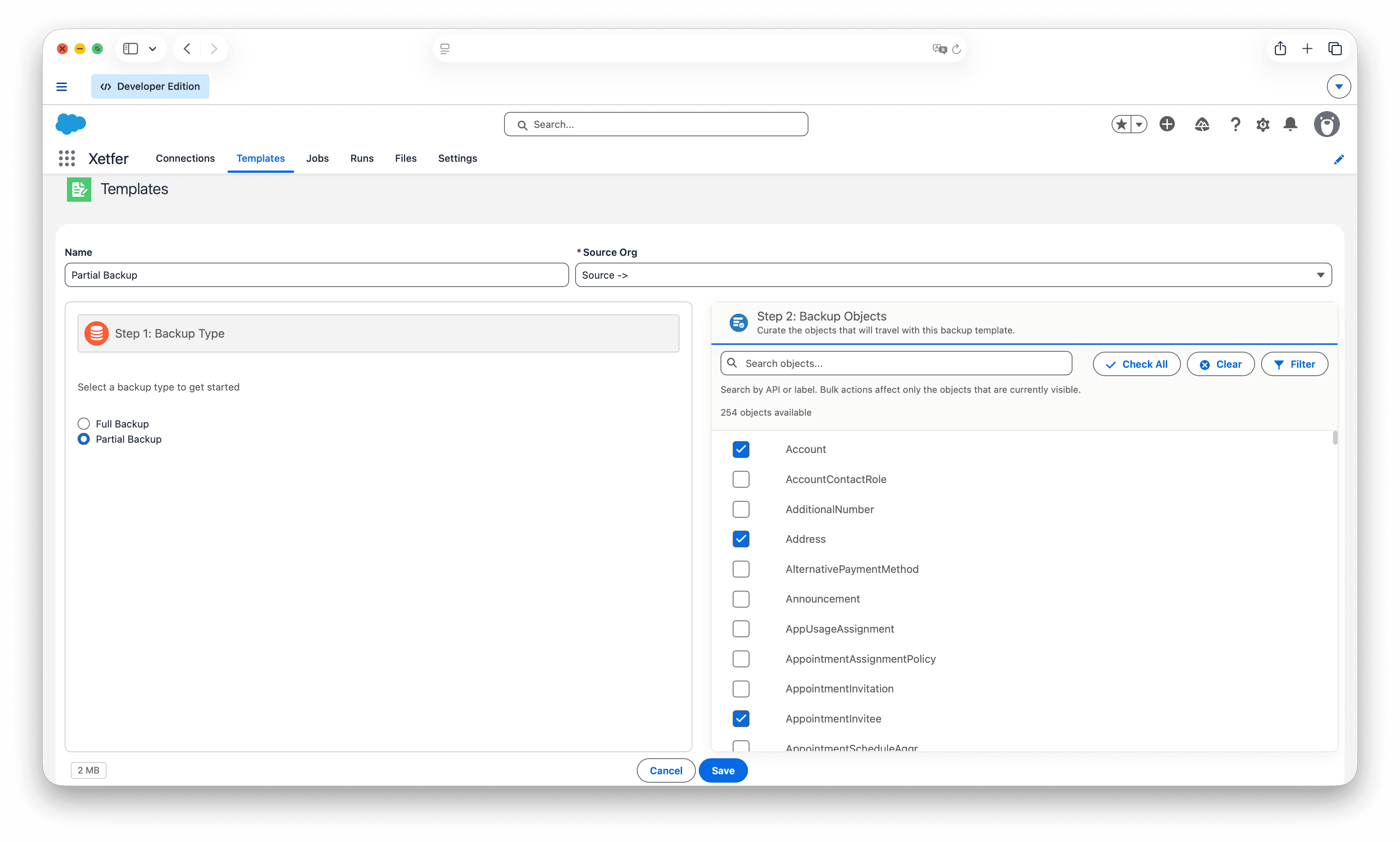
- One-Time or Scheduled Backups: Backup can be triggered on demand or be scheduled to run on custom-scheduled basis.
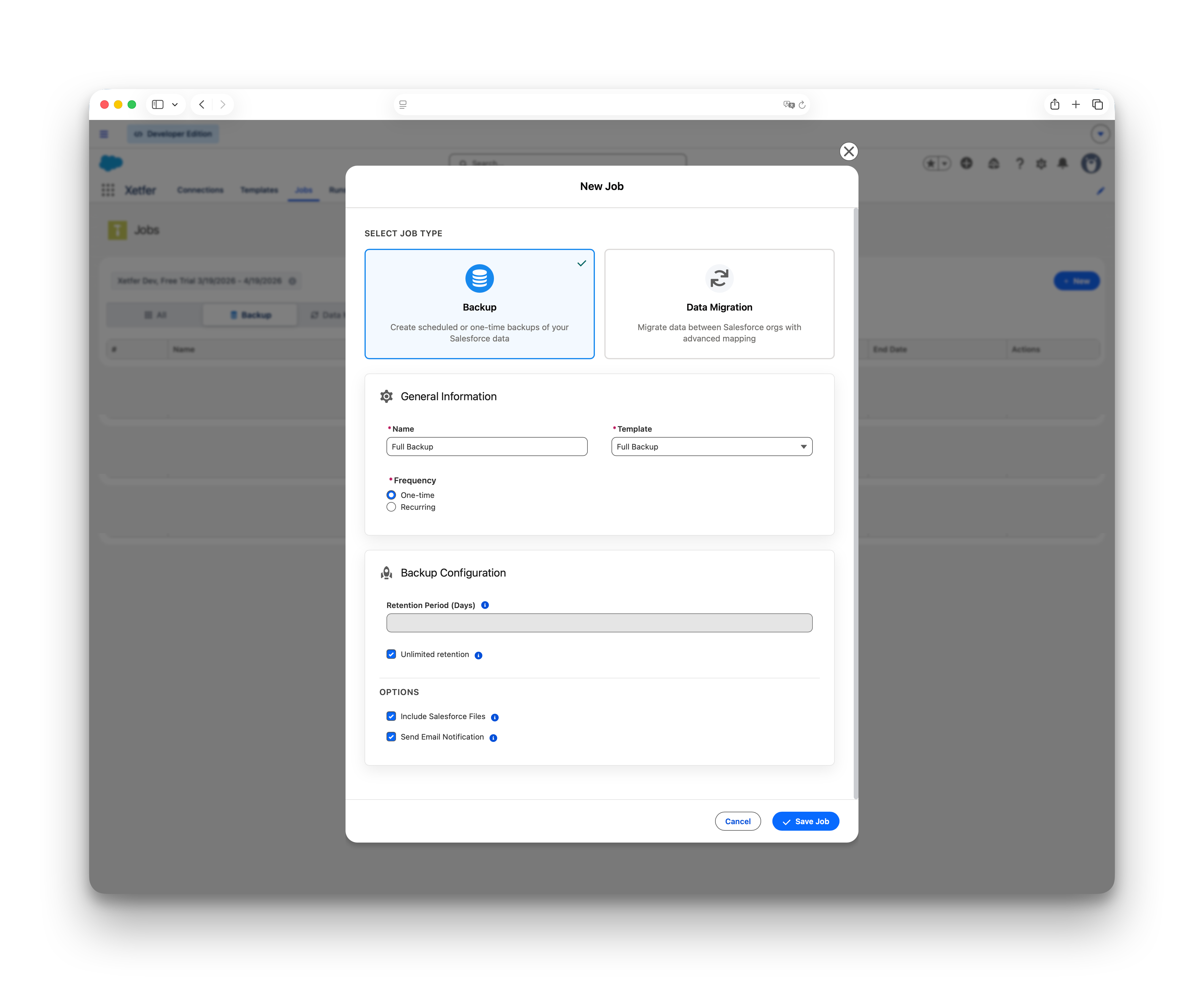
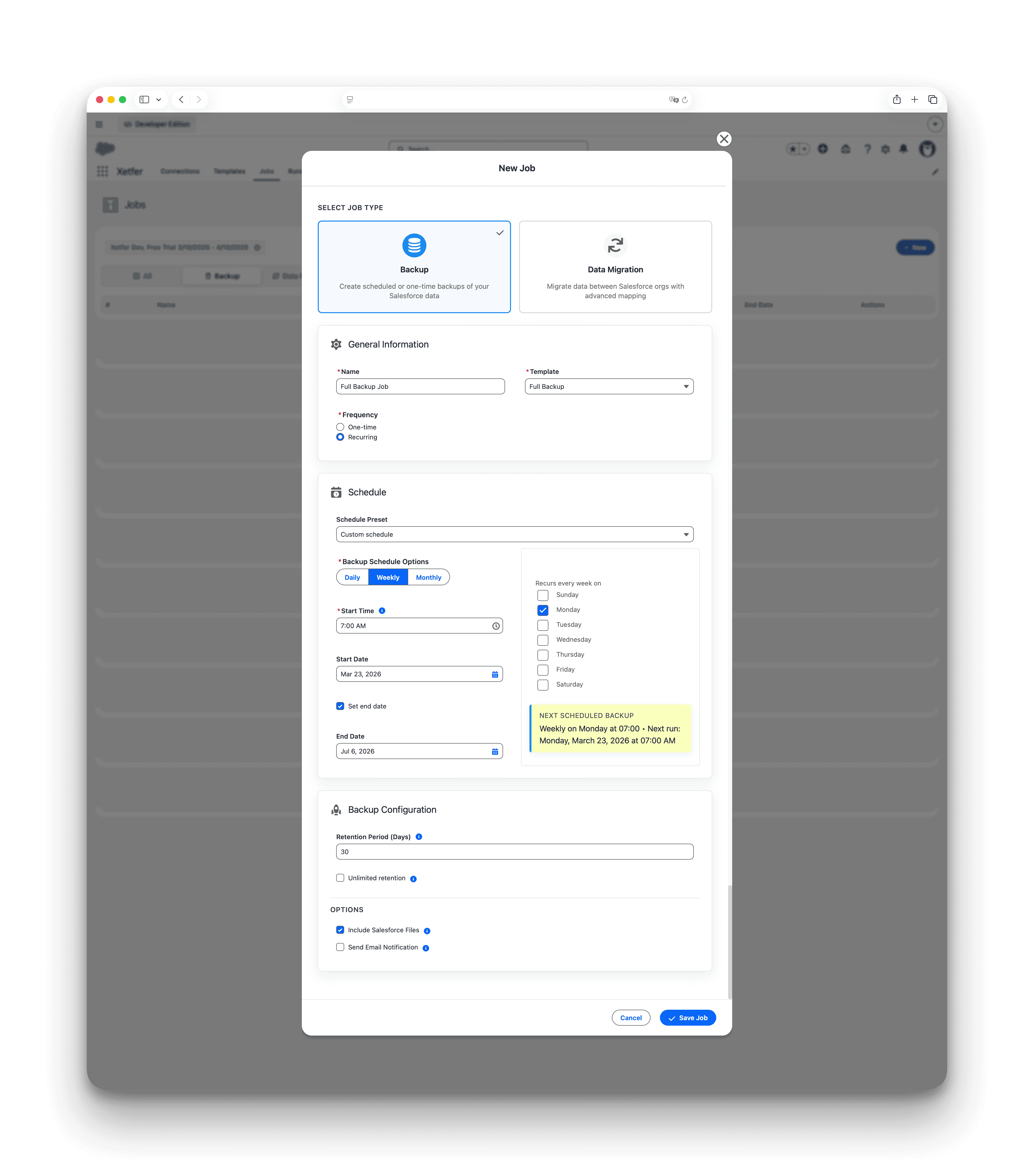
- Wide Data Support: Back up standard objects, custom objects, files, attachments, and complex fields (like encrypted text and geolocation).
If you have any questions or issues, please feel free to contact us at info@xetfer.com.